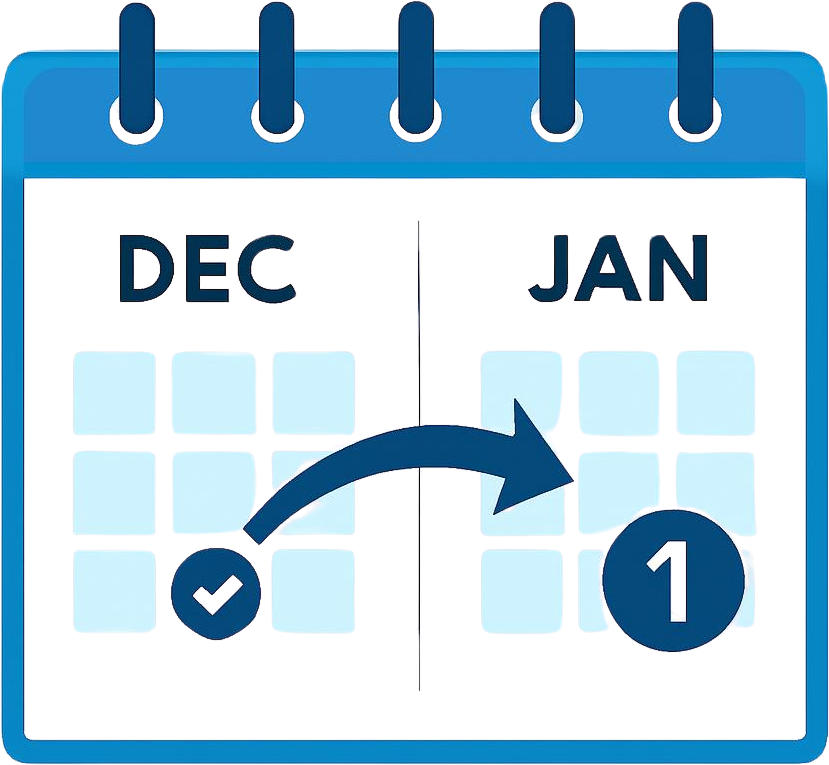



How Time Off, PTO & Staff Leave Management Works
Request time off, approve PTO, and run staff leave management from one calendar — without spreadsheets or email chains. Employees submit a request. Managers see who else is off. Balances update automatically. That is the core workflow, and it is why teams come to TimeOffLedger first. The same employee record can also hold HR facilities when you need them: biometric integration, automated attendance, appraisals, compliance documents, timesheets, and payroll inputs. You do not buy a second system to grow from a leave planner into a connected HR platform.

Team Availability Planner
See absences by department, role, or location on one calendar. Apply location-based public holidays and workplace-specific policies so a UK bank holiday and a US PTO day do not collide in the same cell. Plan coverage from the wallchart instead of a spreadsheet nobody trusts and an email chain asking who is in. Operations and HR work from the same view of employee time off. If two people book the same Friday, you see it before you approve — not after payroll.

Automated Attendance
See who is checked in, remote, or on leave in one attendance view. Add biometric integration so TimeLog punches sit next to approved PTO — no re-keying and no clock-in spreadsheet. Hours flow into timesheets and payroll prep the same way leave updates the wallchart. Managers and HR work from the same record, not an email chain asking who clocked in. If someone is on approved leave, they do not show as late — you see it before payroll, not after.
Smart Leave Management
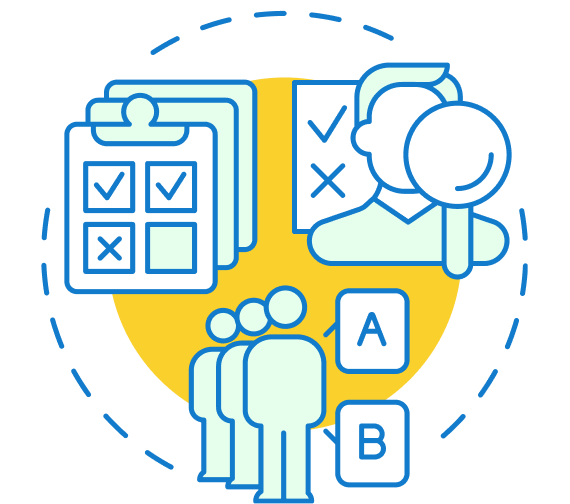
Employees request PTO, sick leave, unpaid time off, and custom absences in seconds instead of mailing a form or editing a shared sheet. Managers approve with one click. The annual leave calculator and balances update automatically, including accruals and PTO rollover rules. The team availability wallchart shows who is off before a clash hits the schedule. That is staff leave management as a daily habit, not a month-end cleanup. The system stops the email chain.
PTO, Staff Leave Management & HR Facilities in One Platform
The core is time off and staff leave management: PTO requests, accruals, rollover rules, and a live wallchart. Around that sit the HR facilities growing teams actually use — biometric integration, automated attendance, an appraisal system, employee management, compliance uploads, payroll preparation, and timesheets — included in the same $1.45/user plan.
 Leave Management
 Attendance Tracking
 Employee Management
 Compliance & Document Tracking
 Payroll
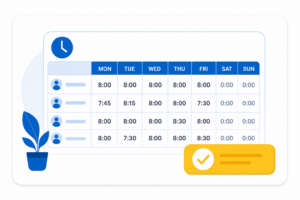 Timesheets

sectors we serve in

Simple requests, instant visibility,
and effortless approvals
This is the ranking block for time off, PTO, and staff leave. Automated PTO tracker. Staff leave planner. Team wallchart. Simple requests. Instant visibility. Effortless approvals. HR facilities stay one section below — do not hide them, and do not let them replace this block.
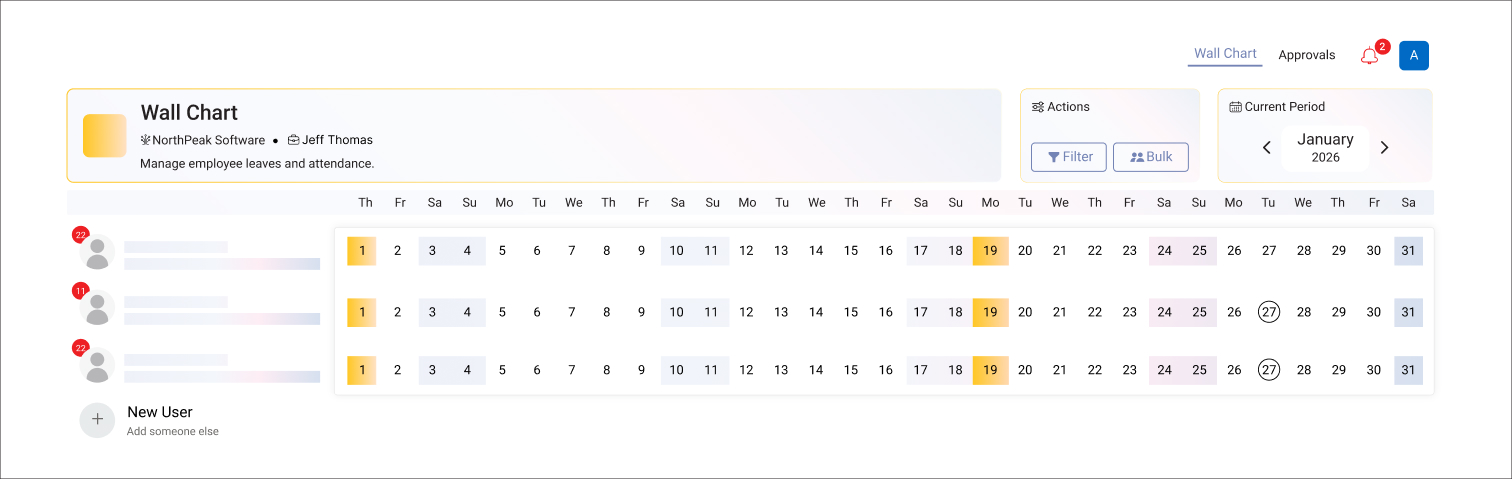
The wallchart is the employee absence planner. Filter by department, role, or location. Spot clashes before you approve. Multi-site teams get location-based public holidays on the same calendar.
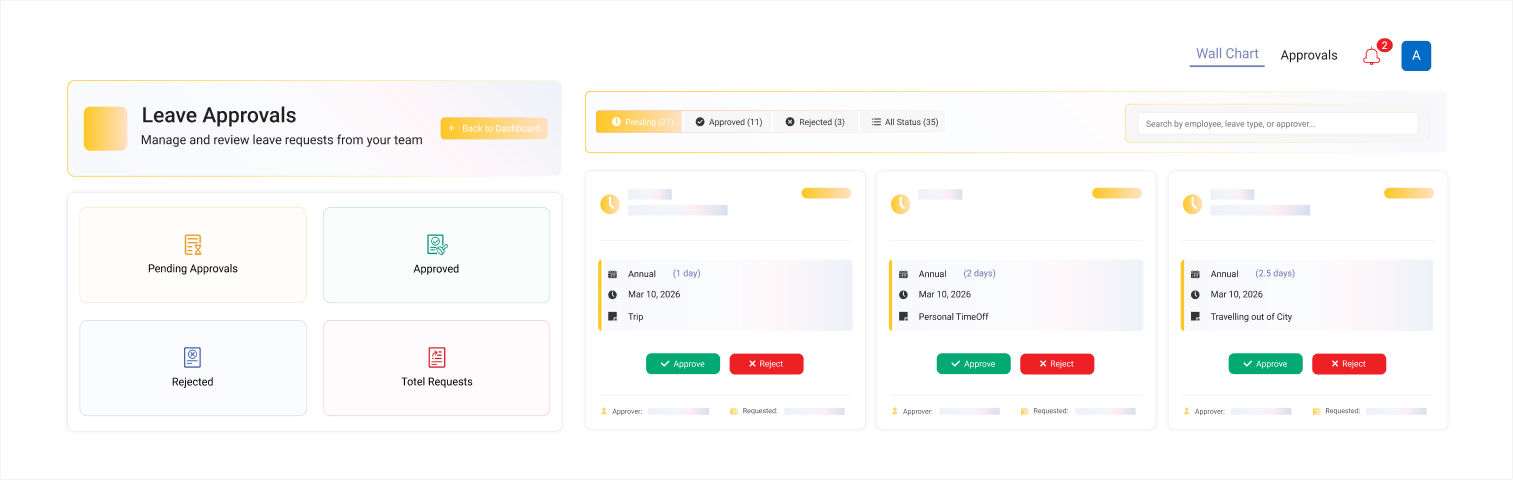
Managers see balance, leave type, and who else is off. One click to approve or decline. No chasing email. The absence management workflow notifies the employee automatically.
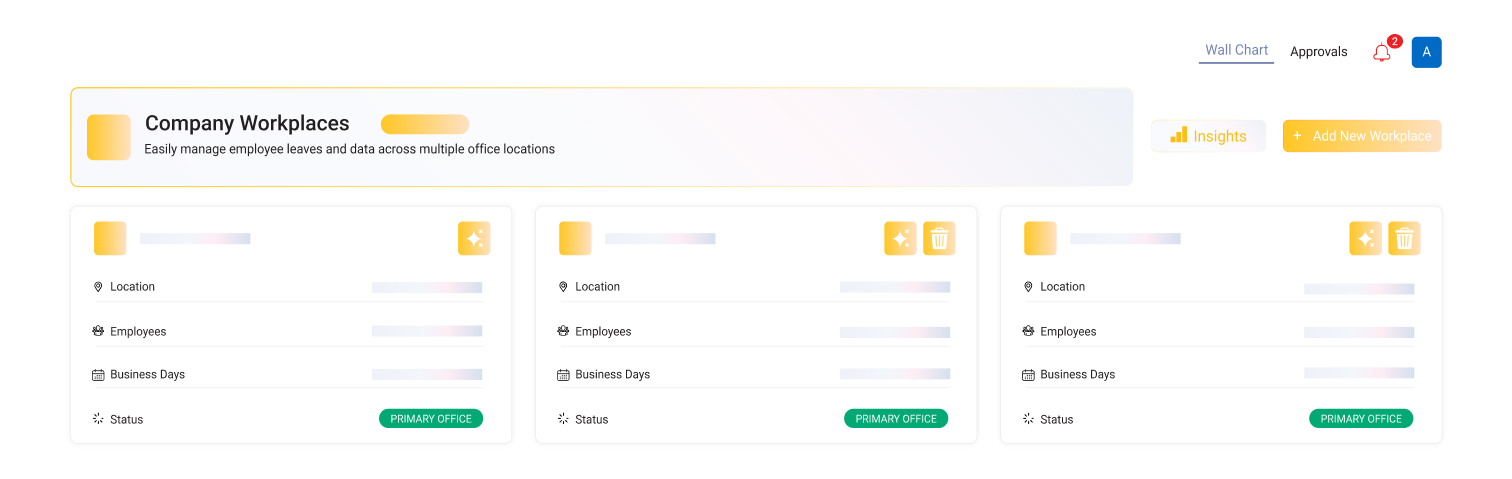
Receive daily or weekly summaries of upcoming absences. Stay informed without needing to log in constantly. HR and managers remain aligned on leave activity. Clear visibility helps teams plan ahead with confidence.
One Central Place for Every HR Record
One Place for Leave — and the HR Records That Depend on It
Annual leave, sick days, and unpaid time off sit next to check-in times, uploaded compliance documents, approved timesheets, and payroll inputs. You do not need five tools. Start with the staff leave planner. Open the other modules when a spreadsheet starts to hurt.
Free for one month—no card required
Built to Reduce Errors and Save Time
Less Admin, More Focus on Real Work
Manual leave tracking creates payroll corrections and coverage surprises. TimeOffLedger automates balances, accruals, and approvals — then optional TimeLog, timesheets, and document storage so the same errors do not reappear in another sheet.
Free for one month—no card required